Android
Phone or tablet · Android 8 or later
The core countdown is free, with no ads and no account. Stage Timer Pro is bought on Google Play, at the price shown in the app.

Stage timer
A fullscreen countdown for speakers, moderators, and live events. The phone becomes the stage monitor: the color tells the pace before the digits do.
Android 8 or later, phone or tablet. iPhone is not supported.
Try a 20-minute timer
Drag the bar.
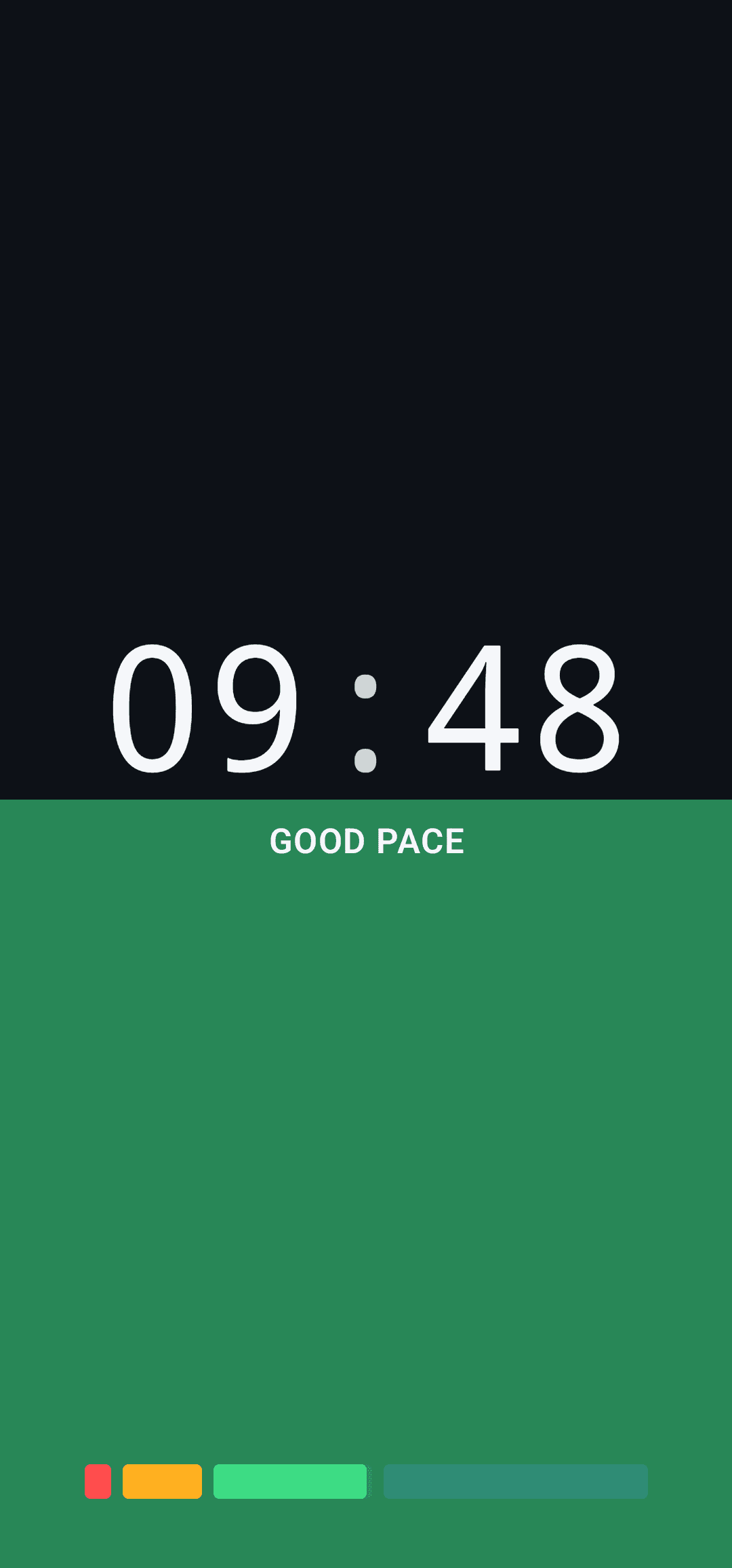
09:48
GOOD PACE
Three steps
No clicker to program. Open a timer, go fullscreen, and if the stage has another monitor, send it only the countdown.
01
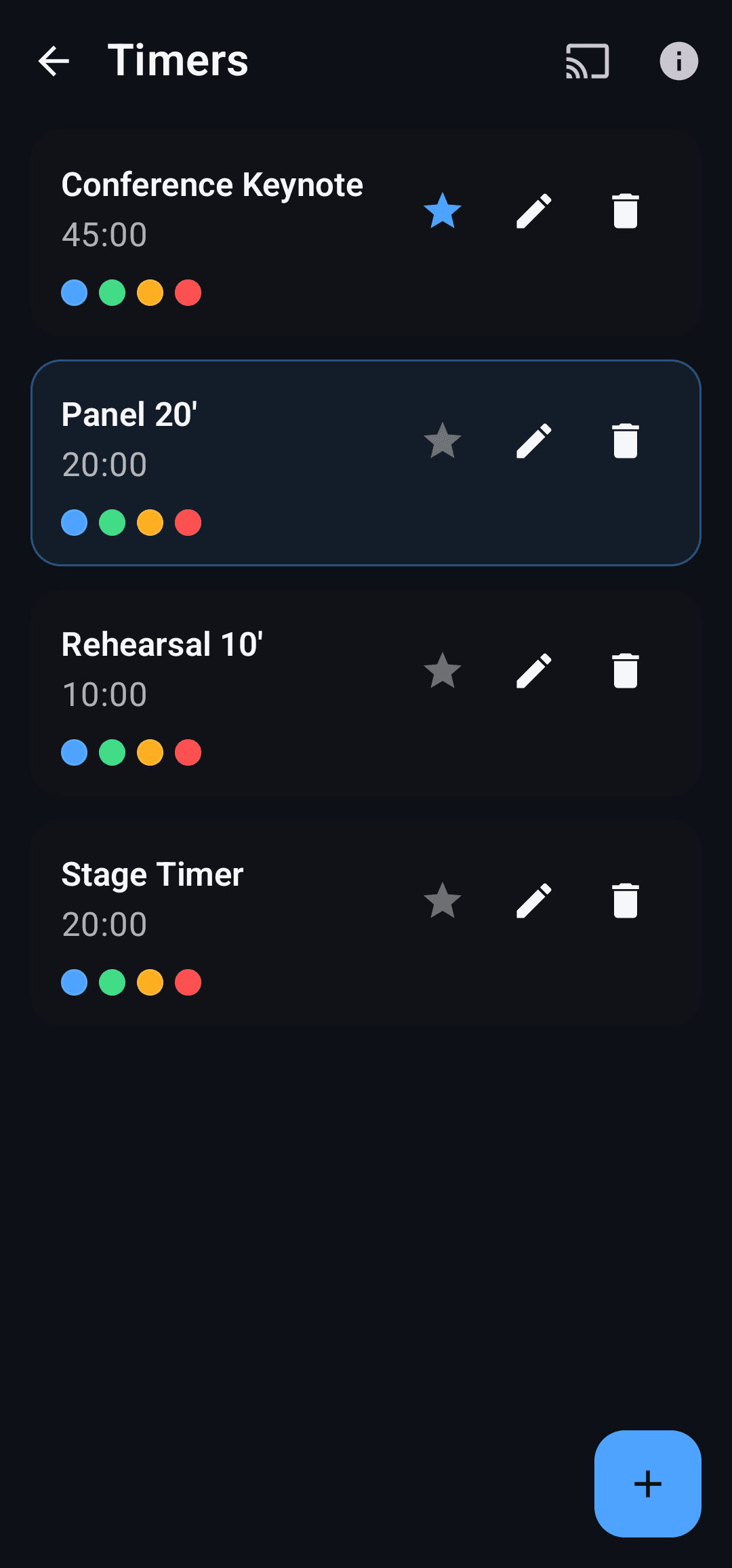
A 45-minute keynote, a 20-minute panel, a 5-minute lightning talk, or one of your own. The star keeps the one you use most at the top.
02
The color rises from the bottom as time passes. Blue, green, amber, red: the back row can read the pace without reading the label.
03
Start the remote display. A QR code, or a link, opens the countdown on a computer or tablet on the same Wi-Fi. The phone keeps the controls.
On the monitor
The countdown sits alone on the screen. Timers and settings stay one tap away.
By default the first half is blue, down to 20% left is green, down to 5% left is amber, and the last stretch is red. Thresholds, names, and colors can be changed on the timer.
Talks, panels, rehearsals, meetings, pomodoro. Each preset has its own length and phases. Star one, edit it, start again.
The phone keeps play, pause, and the list. Another screen on the same network shows only the time. The link does not go through our servers.
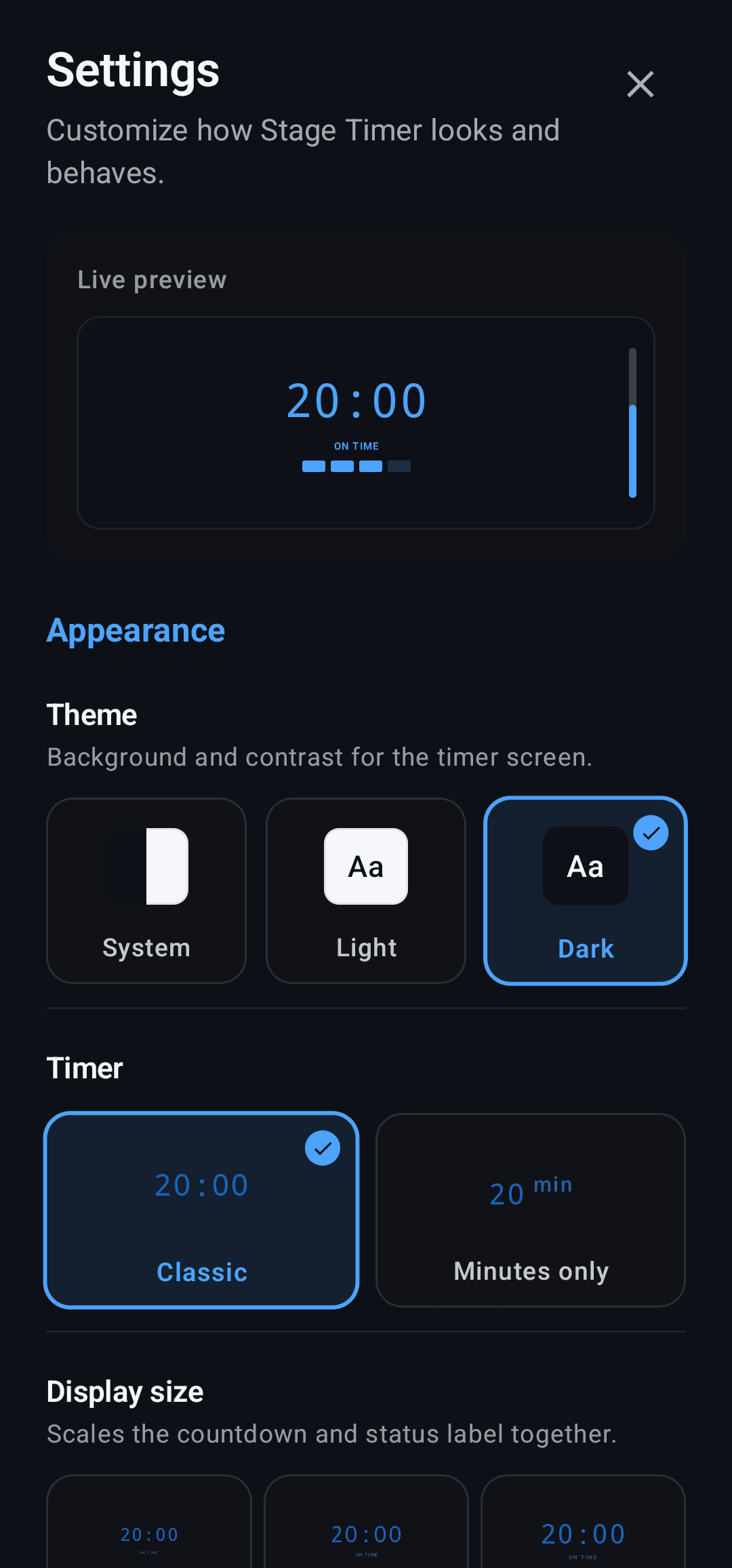
Horizontal bar, vertical bar, fullscreen fill, or hidden. Dots or blocks under the countdown. Size from XS to XXL. Light, dark, or system theme. Hours and minutes, or minutes only.
A flash and a vibration when the color changes, so the speaker notices without staring at the clock.
The countdown keeps running in a notification, and you can pause it from there. The phone screen can sleep. The clock does not.
In the app
On the phone
Length, phases, and settings stay on the device. Remote display talks only to screens on your network.
There is no login, and we do not receive your timers. A Pro purchase goes through Google Play: RevenueCat checks whether the subscription is active.
Remote display is an address on the phone, port 8787. Someone on the same Wi-Fi opens it. Etnatech does not see that connection.
No banners and no ad tracking. The app on Google Play is free.
Download
An Android phone or tablet. Put it on the lectern, send it to a monitor, or keep it with the moderator.
What’s newPhone or tablet · Android 8 or later
The core countdown is free, with no ads and no account. Stage Timer Pro is bought on Google Play, at the price shown in the app.
Questions
If something is missing, write to hello@etnatech.it.
Open a saved timer, or make one. Play sends it fullscreen. The color changes on its own: blue, green, amber, red. Pause and reset sit on the screen and in the notification.
No. Stage Timer is an Android app, phone or tablet, on Android 8 or later.
No. The phone opens an address on the local network and shows a QR code. Scan it, or paste the link, from a browser on the same Wi-Fi. If the network isolates devices, the app suggests the phone hotspot.
The link uses a certificate on the phone. The first time, the browser asks you to continue: Advanced, then Proceed. That keeps the display screen awake. The traffic stays on the network.
Not toward us. They stay on the device. If Android backup is on, they can be included in the backup tied to your Google account: Android handles that. Remote display sends only the time, the phase, and the appearance, to the screens you connected.
The core countdown is, and it has no ads. You can keep two custom timers, on top of the built-in ones. Stage Timer Pro, on Google Play, unlocks remote display, timers past that limit, phase colors, picture-in-picture, shortcuts, and automatic Do Not Disturb. The price is the one you see in the app before you pay.
No.
Open a 20-minute timer. Halfway, it turns green. In the last stretch, red.